THE INVITATION GUIDE
The right words.
Every detail in place.
Write a digital wedding invitation that sounds like you—and gives your guests the information they need. Start with these adaptable examples, then check the details before design begins.
01 / START WITH THE INFORMATIONWhat does your guest need to know?
A beautiful invitation still needs to answer a few simple questions: who is inviting me, what am I invited to, where should I go and when should I arrive? Write those answers in one master brief before choosing fonts or colours.
- Names and host line. Give the couple’s names exactly as they should appear. A family or host line is optional; use the wording that reflects your relationships and preferences.
- The event. Say whether this is the wedding ceremony, a reception, a celebration or several separate events. An elegant heading should not leave the occasion unclear.
- Day, date and time. Spell out the month to reduce date-format ambiguity. Distinguish arrival time from ceremony time when both matter. Include a time zone for an online event or an audience that needs one.
- Venue and location. Include the venue name and a usable address. Put an accurate map link in the accompanying message if the image itself cannot provide a clickable link.
- A clear response route. If you need an RSVP, specify whom to contact, how and by what date. Use only the contact details you intend every recipient to receive.
- Useful extra information. Add a concise dress code or access note if relevant. Longer travel and accommodation instructions can go in a separate message or agreed information card.
For a bilingual invitation, provide an approved version in each language. A name’s spelling and a translated event title deserve their own proofread.
02 / MAKE THE WORDING YOURSThree starting points, without the blank page.
These are original editable examples, not customer invitations. Replace every bracketed field and remove any line you do not need. The tone can be formal, warm or simple; the factual details should stay equally clear.
Warm and couple-led
We’re getting married!
[Name] & [Name]
Would love you to join us as we begin this next chapter.
[Day], [date with month written out]
[Arrival time] · [Ceremony time, if different]
[Venue name]
[Address]
Please RSVP to [contact] by [date].
Useful when the couple want to speak directly to their guests.
With family or hosts
Together with [their families / chosen host wording],
[Name] & [Name]
invite you to celebrate their wedding.
[Day and date]
[Time]
[Venue and address]
[Reception or other short note, if applicable]
RSVP: [contact and deadline]
Agree on the host line and name order with everyone who needs to approve them.
Reception invitation
Please join us for a reception celebrating
[Name] & [Name].
[Day and date] · [Time]
[Venue name and address]
We look forward to celebrating with you.
Kindly reply to [contact] by [date].
Make the reception explicit if the recipient is not being invited to a separate ceremony.
There is no requirement to use a traditional phrase that does not feel right. A concise, sincere invitation often works well on a small screen. If you add a quotation, provide wording you are permitted to use and confirm it separately from the essential details.
03 / KEEP THE PLAN CLEARMore than one event? Give each its own details.
Do not rely on one date or venue line to describe an entire celebration. Build a small event list before the design is arranged:
- [Event one]
- [Day and date] · [Start time] · [Venue and address] · [Who this invitation includes]
- [Event two]
- [Day and date] · [Start time] · [Venue and address] · [Any event-specific note]
Confirm whether all guests receive the same invitation. If some events have different guest lists, use clearly named versions and review the recipient group before sending. Do not accidentally distribute a private event’s address to the wider list.
For video invitations, decide which facts appear on screen and which belong in the message. Guests should have enough time to read each frame; essential details should also be available as a still image or plain text they can return to.
Choose video and companion files ↗
04 / BEFORE YOU SAY “APPROVED”Proof the information, then proof the experience.
Use one final text document as the source of truth. Ask the people responsible for the details to check the same draft and send one consolidated list of corrections.
- Check every name, title, accent and spelling against the approved wording.
- Confirm that the written day matches the calendar date; verify every event time and venue independently.
- Open the map link and check the destination. Read the address without relying on the link.
- Test the RSVP contact and confirm the deadline. Do not print a contact you have not agreed to share.
- Read the invitation on an ordinary phone at its normal size. Check small text, contrast and the order of information.
- For motion, play the full export with sound off as well as on when audio is included. Confirm the final frame stays long enough to read.
- Review each language, event version and size separately. Approval of one version does not check all the others.
- Save the approved final version with a clear filename and send that file—not an earlier proof.
After approval, keep the original delivered file. If details change, request a revised export and replace the old version in your sending folder to reduce mix-ups.
05 / SEE WHAT YOU WILL RECEIVEExplore a real studio concept.
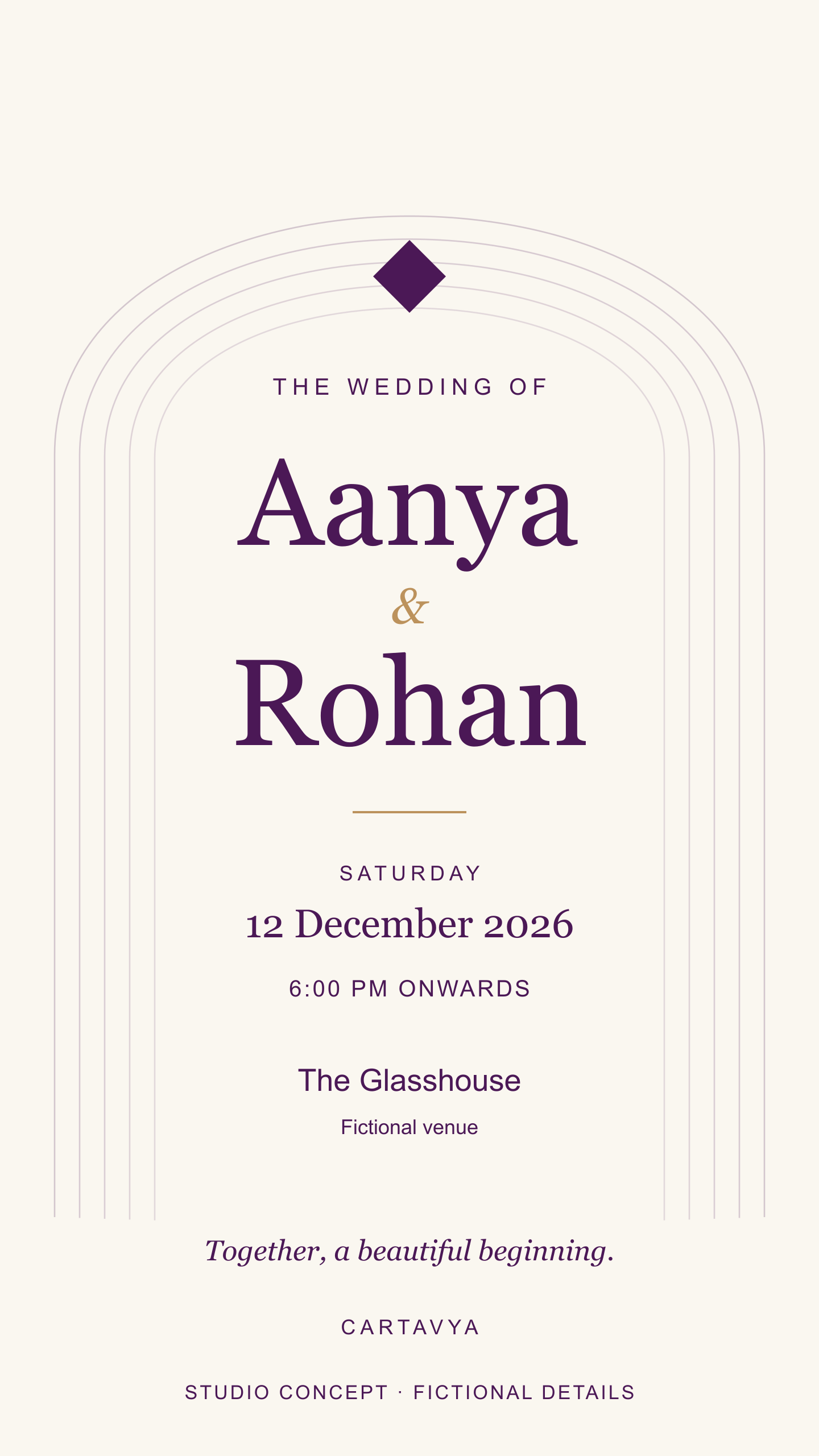
The following files are Cartavya demonstrations with fictional names and event details. They let you inspect an actual digital image and PDF; they are not a finished order or a claim of client work.
A digital-viewing PDF is not automatically a printer-ready file. Printing, bleed, trim and colour requirements need a separate agreed specification.
See personalisation, scope and delivery ↗